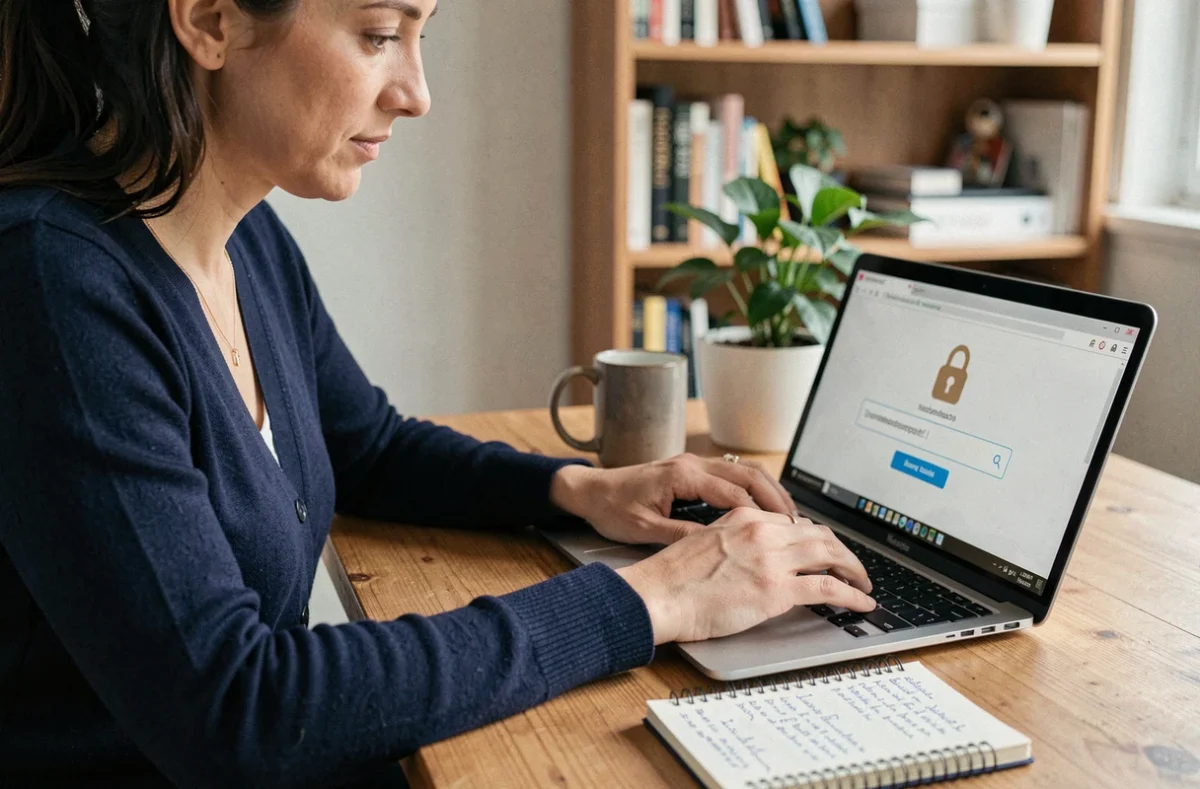
Cybersecurity is based on a simple technical principle: every online account, connected device and data exchange represents a potential attack surface. Protecting your data online means systematically reducing that surface through practical habits that require no particular IT skills.
Phishing and fake websites: the threat that bypasses traditional protections
The Cybermalveillance.gouv.fr report published in March 2026 ranks phishing as the most frequently reported threat, with requests for assistance increasing compared with 2024. The scenarios go beyond a simple suspicious email.
Fake delivery messages are a good example of how this threat has evolved. A text message claims that a parcel is being held, links to a website impersonating a well-known carrier, then asks for a payment of a few euros. The real aim is to collect bank details or login credentials.
A well-designed fraudulent website can also transmit entered credentials in real time, then ask for a one-time code. Even SMS-based two-factor authentication will not stop this type of attack if the intermediary site relays the information to the real service. The resources on security on Geekfinity explain these interception methods and the ways to counter them.
Make this a habit: never click a link in a message to access a banking service, carrier or government website. Typing the website address directly into your browser eliminates the risk of being redirected to a fraudulent copy.

Two-factor authentication: why SMS is no longer enough
Two-factor authentication (or 2FA) adds an extra verification step after the password. The principle is sound, but not all factors offer the same level of protection.
ANSSI recommends against using SMS as a second factor. There are two technical reasons for this. First, a text message can be intercepted through a SIM-swapping attack, in which an attacker obtains a duplicate SIM card from the mobile carrier. Second, as mentioned above, a fake website can ask for the code sent by SMS and relay it to the real service in real time.
More robust alternatives can be ranked by their level of resistance:
- Authentication apps (such as Google Authenticator, Authy or Microsoft Authenticator) generate codes locally on your phone, without sending them over the mobile network. They prevent SIM swapping, but remain vulnerable if you enter the code on a fake website.
- FIDO security keys (physical USB keys such as YubiKey) automatically verify the website’s domain before approving a login. A fake website receives nothing.
- Passkeys, built into Apple, Google and Microsoft systems, use the same cryptographic principle as FIDO keys. They verify the website’s domain and resist phishing without requiring any additional hardware.
Enabling two-factor authentication is still a major security improvement, even if you use SMS. Switching to an authentication app or passkeys is the next step.
Passwords and a dedicated password manager: the technical foundation
Reusing a password across multiple accounts can turn a data breach at a minor service into a gateway to your email, bank account or social media. This technique, known as credential stuffing, exploits the fact that most internet users reuse their login credentials.
A practical solution is a password manager. This type of software generates a unique, long password for each service, stores it in an encrypted vault and fills it in automatically when you log in. You only need to remember one master password.
Here are a few criteria for choosing a reliable password manager:
- End-to-end encryption, which ensures that even the software provider cannot read the stored passwords
- Syncing across devices (computer, phone, tablet) to avoid falling back on the convenience of using a single password
- Passkey compatibility, allowing you to eventually manage all your logins in one tool
- A published independent security audit, demonstrating transparency about the product’s robustness
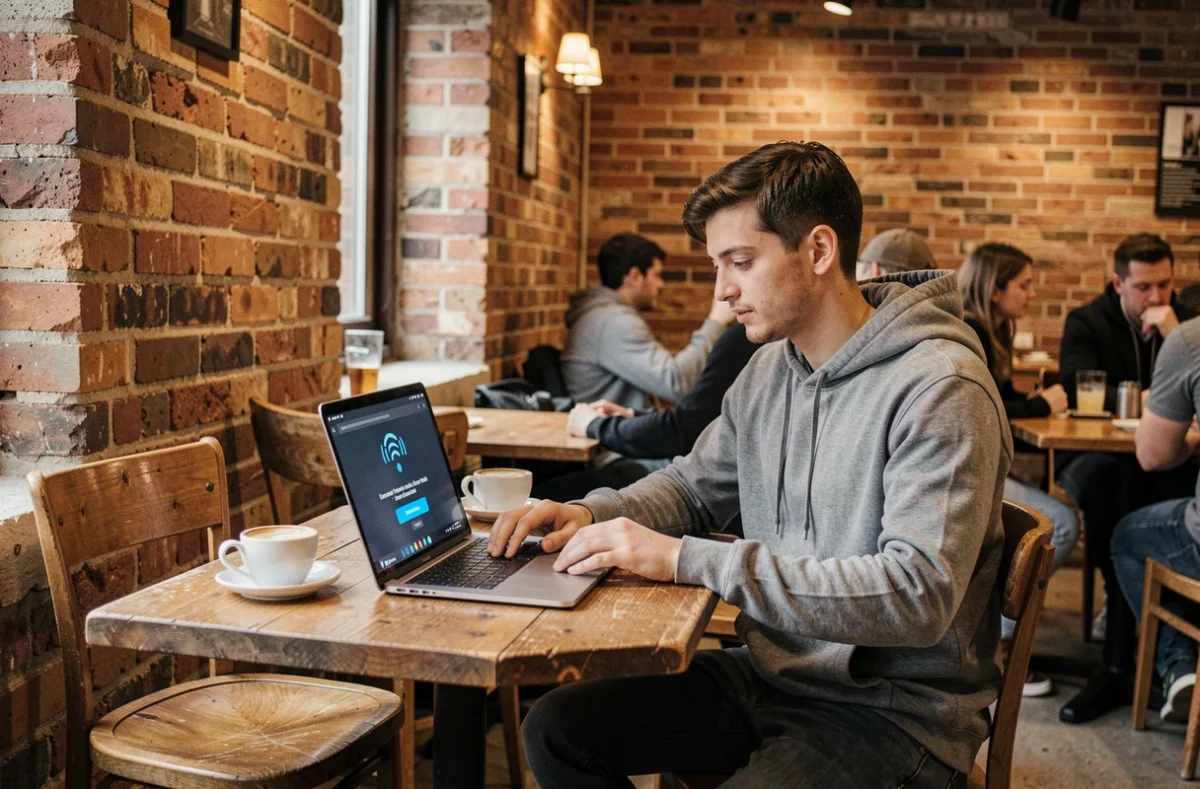
Fake tech support and phone scams: an underestimated threat
Cybermalveillance.gouv.fr describes fake tech support as a threat in its own right. A typical scenario: a pop-up appears on screen, displaying an alert that impersonates Windows or macOS and prompting you to call a phone number. The person on the other end, posing as a technician, then asks for remote access to your computer.
Once connected, they can install remote-control software, exfiltrate files or demand payment for a fictitious repair. No operating system provider contacts its users this way.
If you see this type of screen, close your browser (force quit it through the task manager if necessary), never call the number displayed and never grant remote access to someone who contacted you unexpectedly. If the browser will not close, restarting your device is enough in most cases.
Updates and backups: two essential habits
Security updates fix vulnerabilities that attackers are actively exploiting. Delaying an update by just a few weeks can be enough to leave a door open. Enabling automatic updates on all your devices (phone, computer, tablet and connected devices) eliminates this risk with no effort.
Backups protect against another scenario: ransomware that encrypts your files and demands payment. A recent backup stored on a device disconnected from the network (external hard drive, USB drive) lets you restore your data without giving in to the extortion. A practical rule: back up at least once a month to a disconnected physical device.
These two habits—updates and backups—will not prevent an attack from happening. They limit its impact to a temporary inconvenience rather than permanent data loss or loss of access.